Talk to HAN. No forms, no menus.

HAN is the dragon mascot and trucking-company butler inside FleetScan. Tell HAN what you need: expiry reminders for every permit; UCR, IFTA, Form 2290, CTC and other filings ordered with one tap; company registration (LLC / Inc) and a USDOT application through a form card right in the chat. Photo a document and HAN files it automatically.

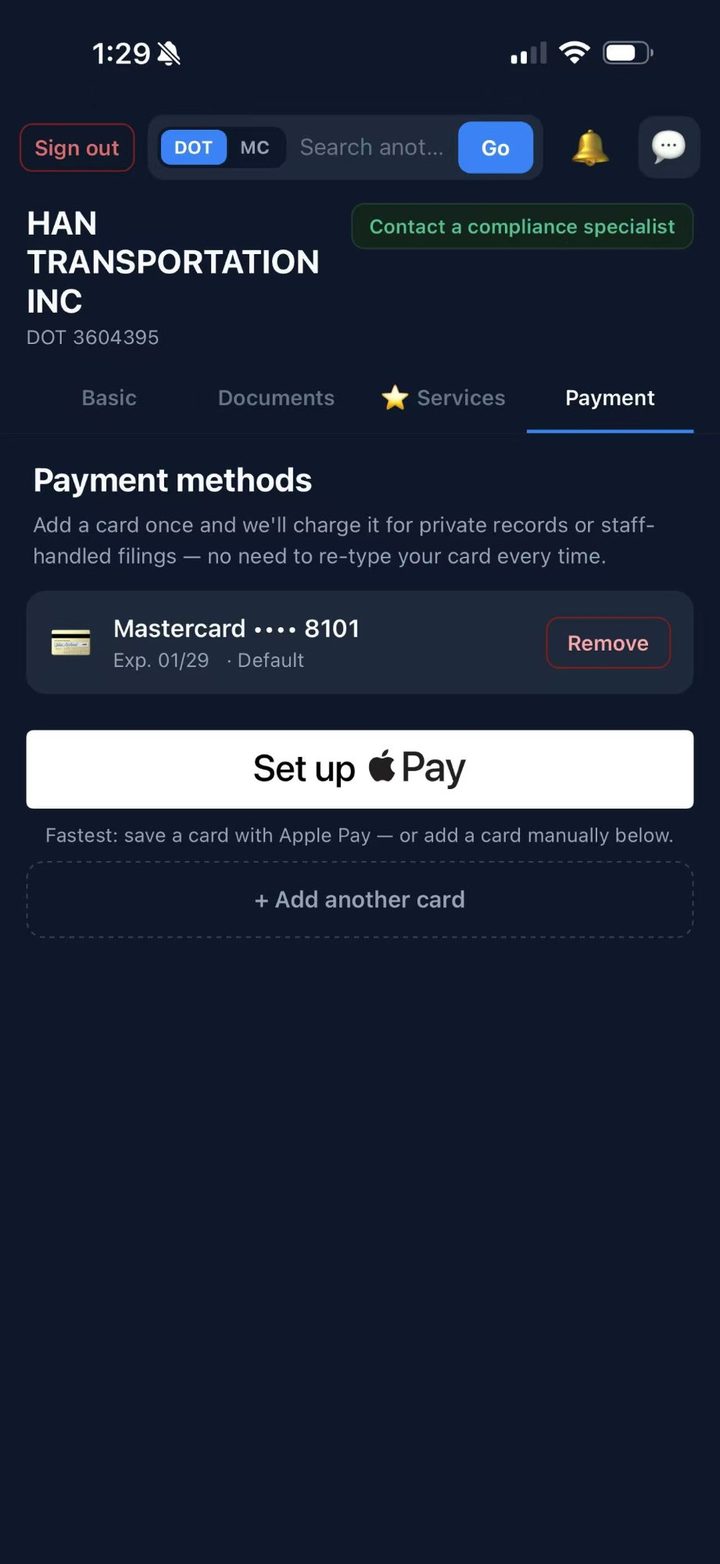
Nothing is charged when you order. FleetScan staff review the request and send a quote card into the chat — pay it with Apple Pay, a card or a US bank account — or they charge only after the work is done. The invoice and the “done” notice land in the same chat. Need a person? One tap switches to human staff.

Download on theApp Store Free to start · phone sign-in in 30 seconds

QR code - FleetScan on the App Store
Scan to download from the App Store iOS 16+ · iPhone & iPad
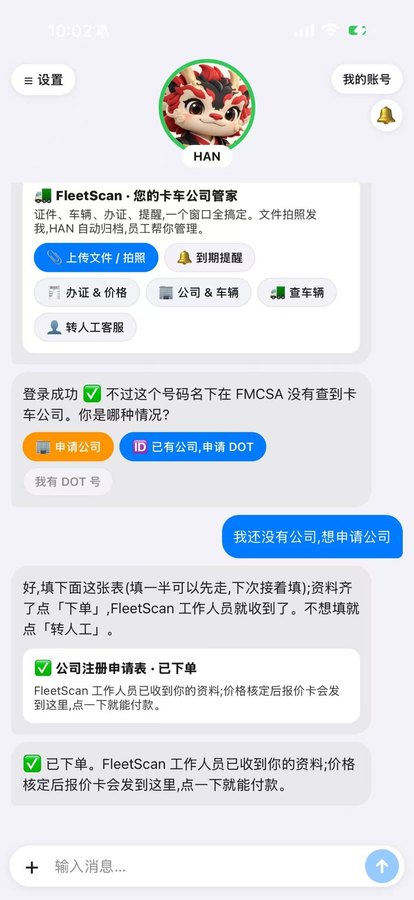
FleetScan home - chat with HAN, the trucking-company butler, with quick actions and a company-registration form card

Chat with HAN

Three real screens from the new home. One conversation does what used to take five screens and three forms.

Chat home with HAN - intro card, quick actions and the company-registration form card 1

Say hello, get to work

HAN opens with quick actions — upload / photo, expiry reminders, filings & prices, company & trucks, human staff. No company yet? A registration form card opens right in the chat.

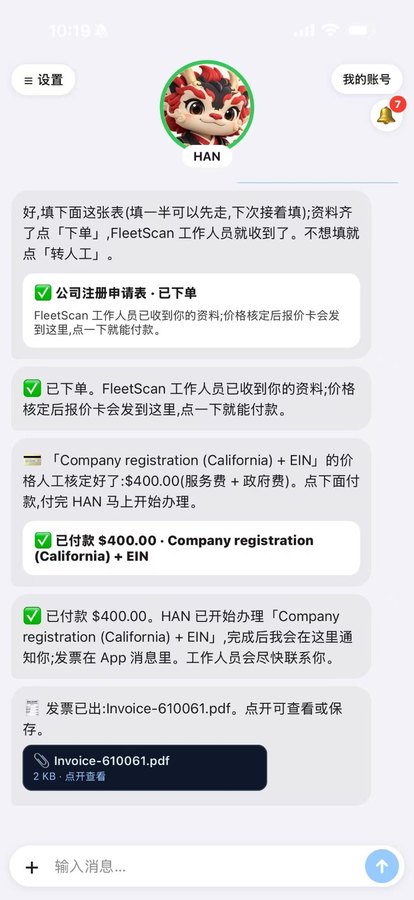
Quote card paid in the chat, then the done notice and the PDF invoice 2

Quote → paid → invoice, all in the chat

Staff send a quote card; tap it to pay with Apple Pay, card or US bank account. HAN starts the filing, tells you when it's done, and the PDF invoice arrives in the same thread.

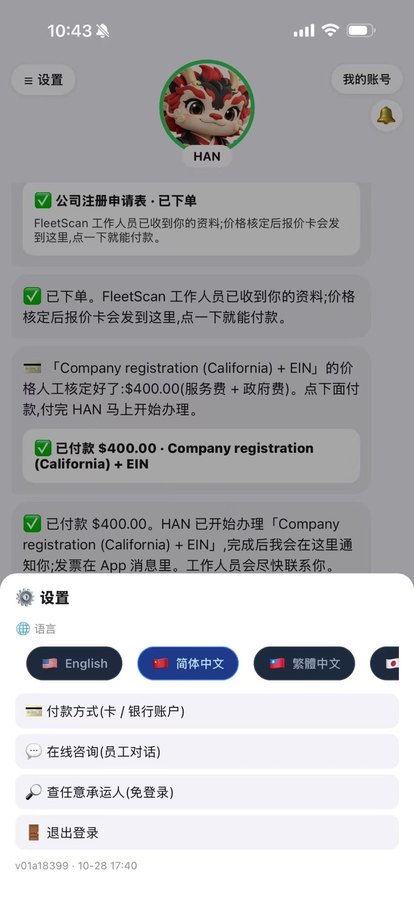
Settings sheet - 8 languages, payment method, staff chat, carrier lookup 3

Settings in one sheet

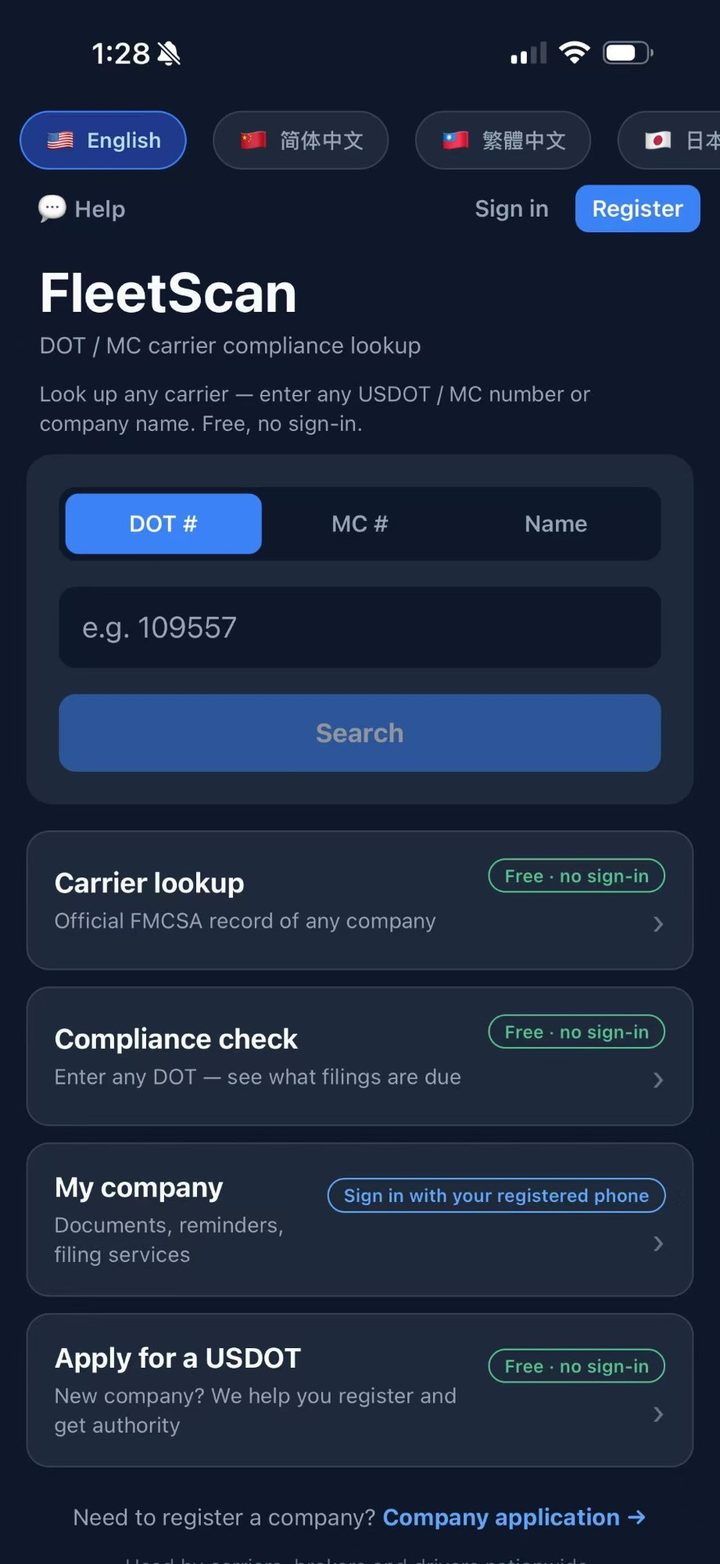
Switch between 8 languages, save a payment method, open the staff chat or look up any carrier without signing in.

Screens show a test company and a test $400 payment — no customer data.

Everything else is still there

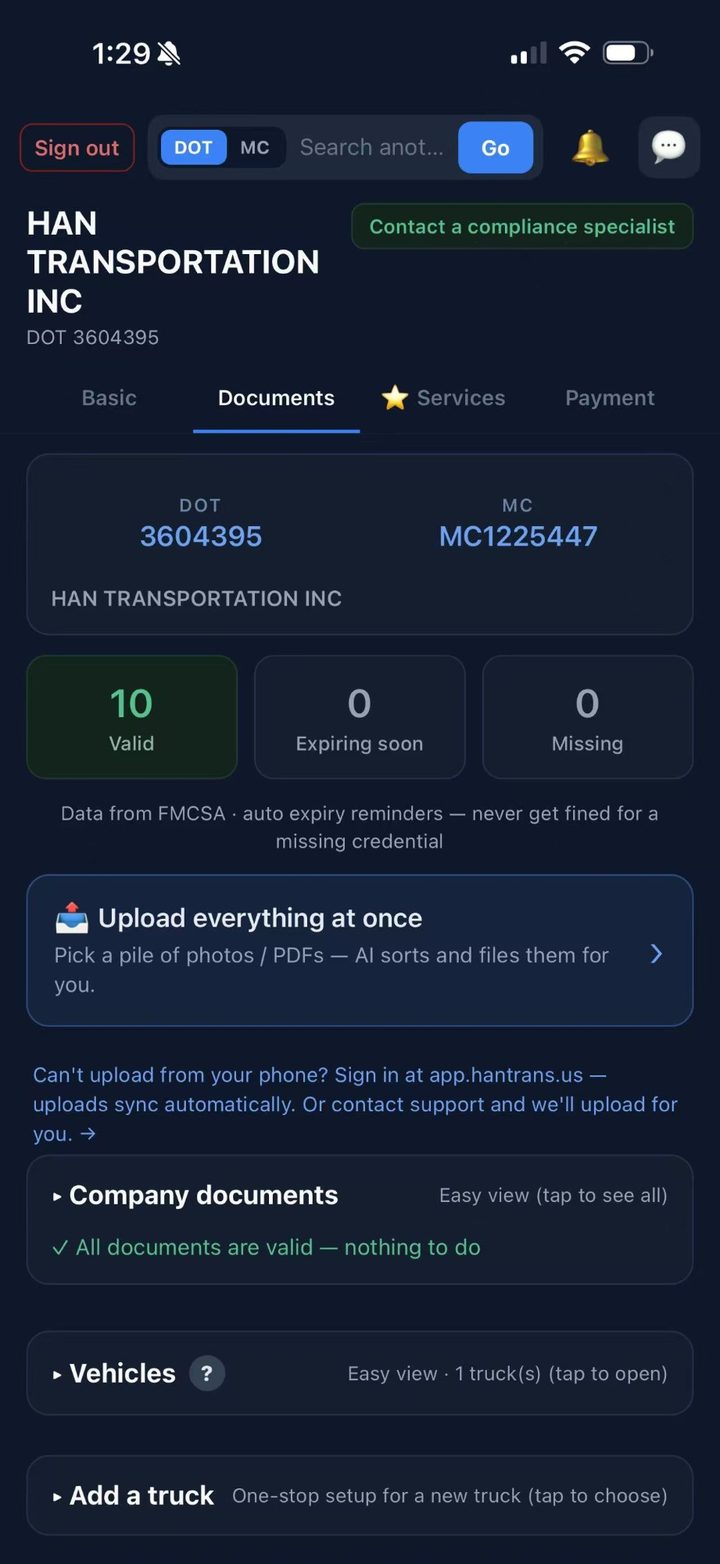
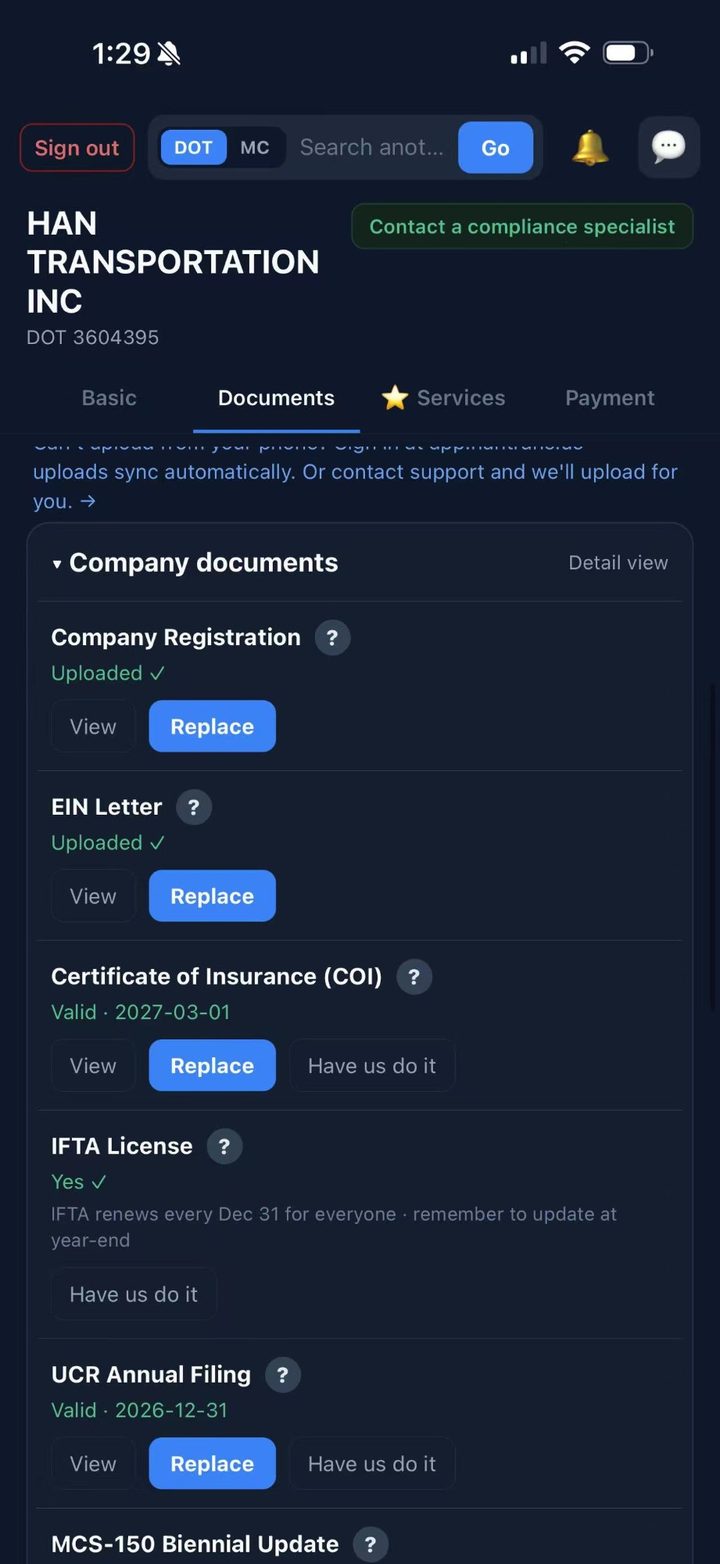
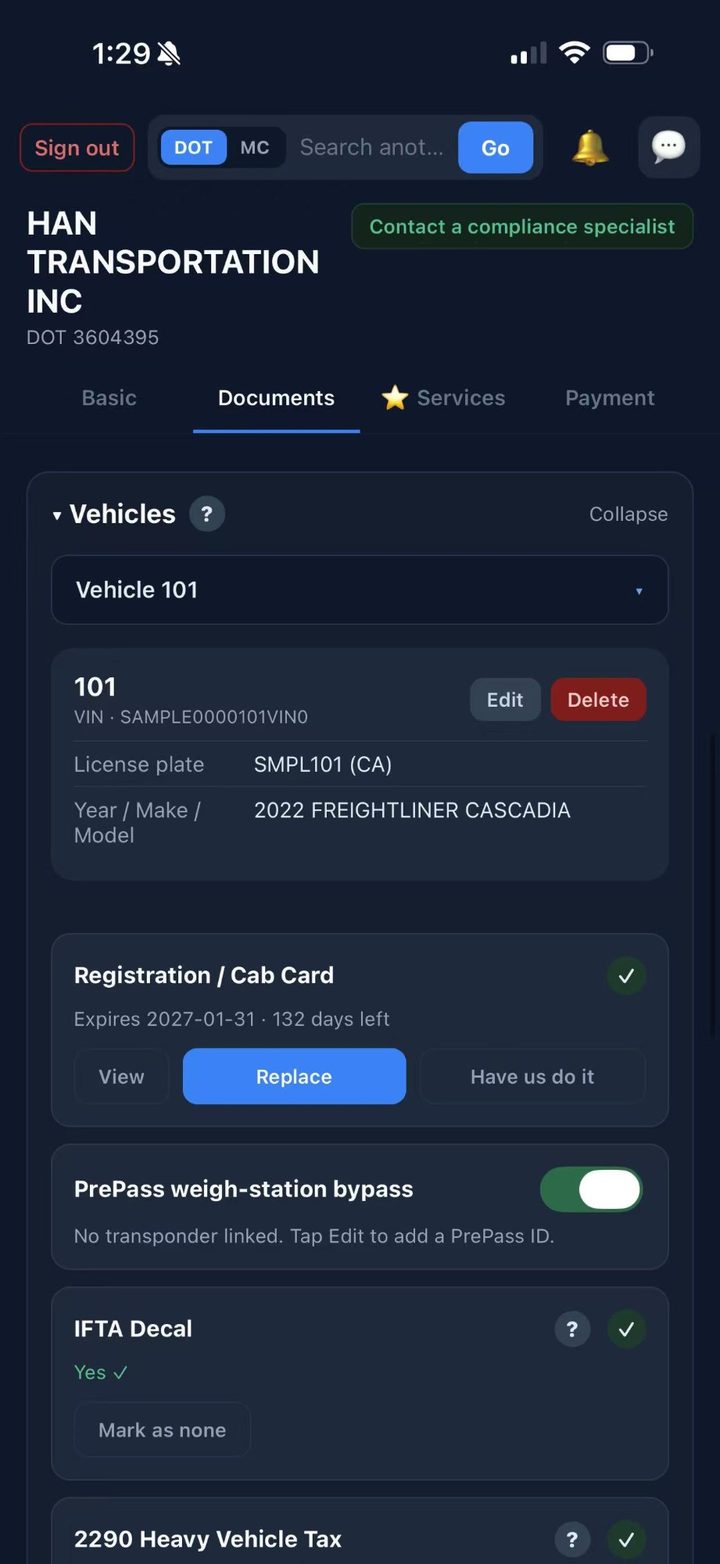
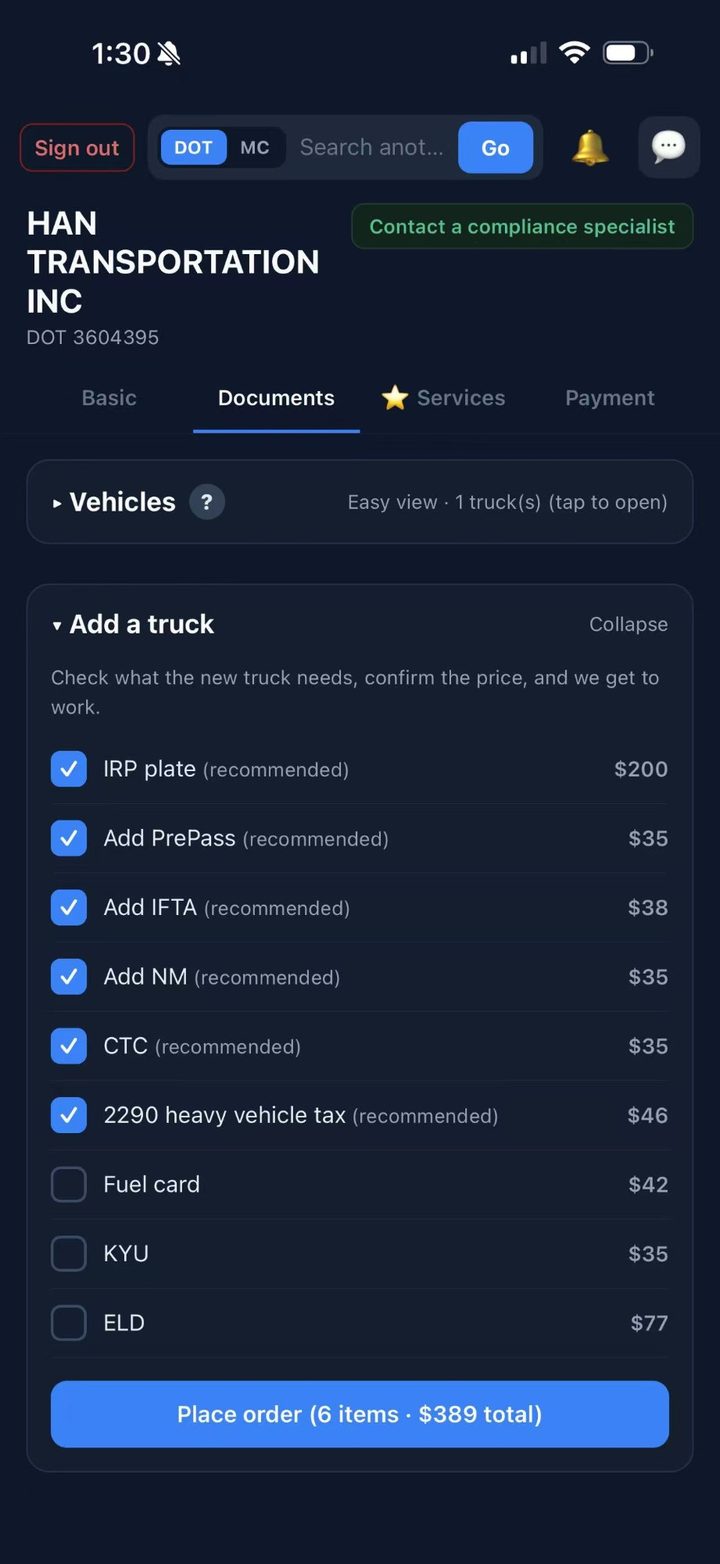
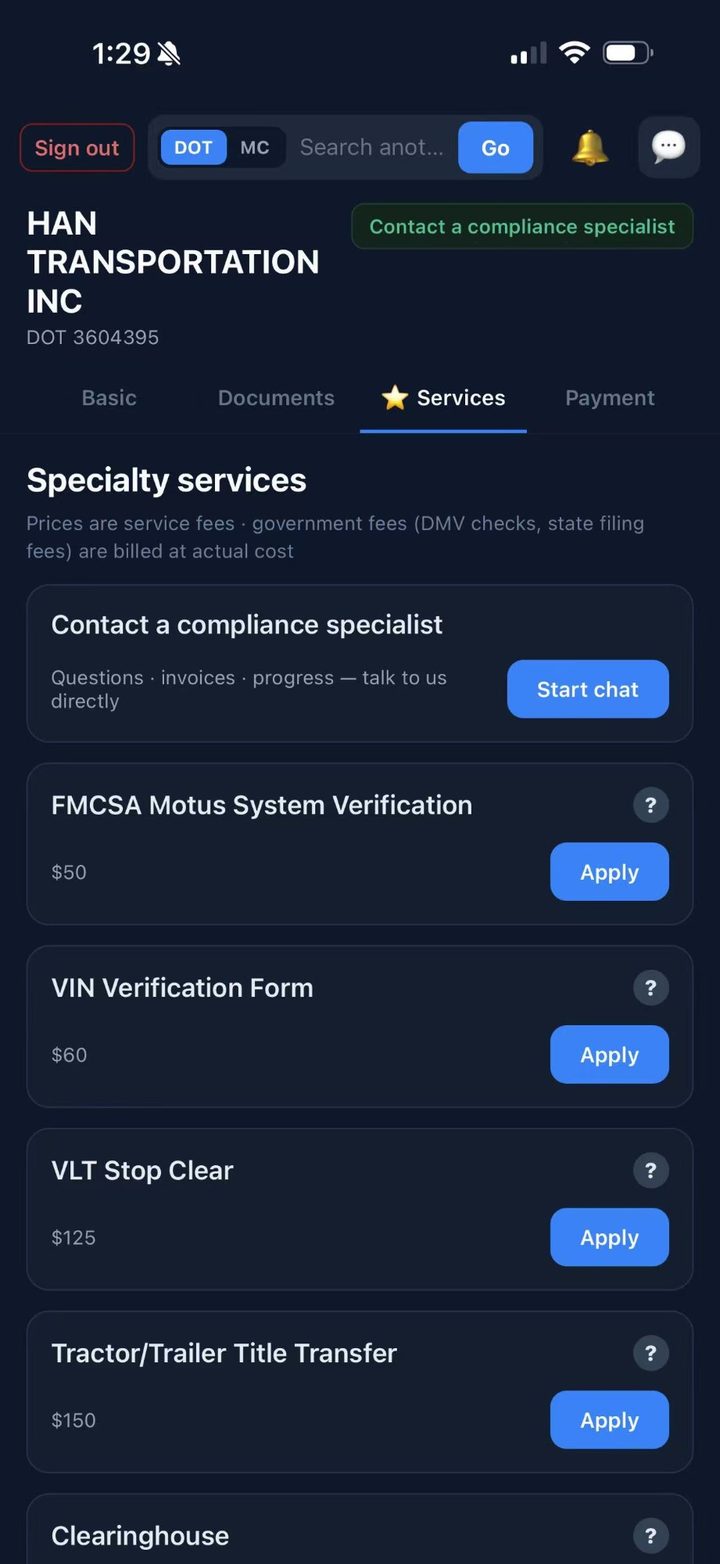
Swipe left from the chat for the full app: documents, trucks, services and payments. Every screen in 8 languages.


Or browse one at a time

Auto-rotates every few seconds. Drag left or right, or use the arrows.

Everything HAN does for you

One chat window replaces the glove box, the notes app and three browser tabs.

💬

Chat, not forms

Open the app and you're talking to HAN. Type or tap — HAN asks only what's needed and remembers where you left off.

🔔

Expiry reminders for every permit

HAN tracks every credential and tells you in the chat before anything lapses — and offers to renew it on the spot.

✅

One-tap filings

UCR, IFTA, Form 2290, CTC, state permits and more. Tap the service, HAN places the order; FleetScan staff do the work.

🏢

Start a company in the chat

LLC or Inc registration, EIN and USDOT application through a form card. Fill in half now, finish later.

💳

Quote cards, paid in the chat

Nothing is charged when you order. Staff send a quote; pay it with Apple Pay, a card or a US bank account — or get charged only after the work is done.

🧾

Invoices and done notices

The PDF invoice is delivered in the chat, and HAN tells you the moment a filing is complete.

📷

Photo it, HAN files it

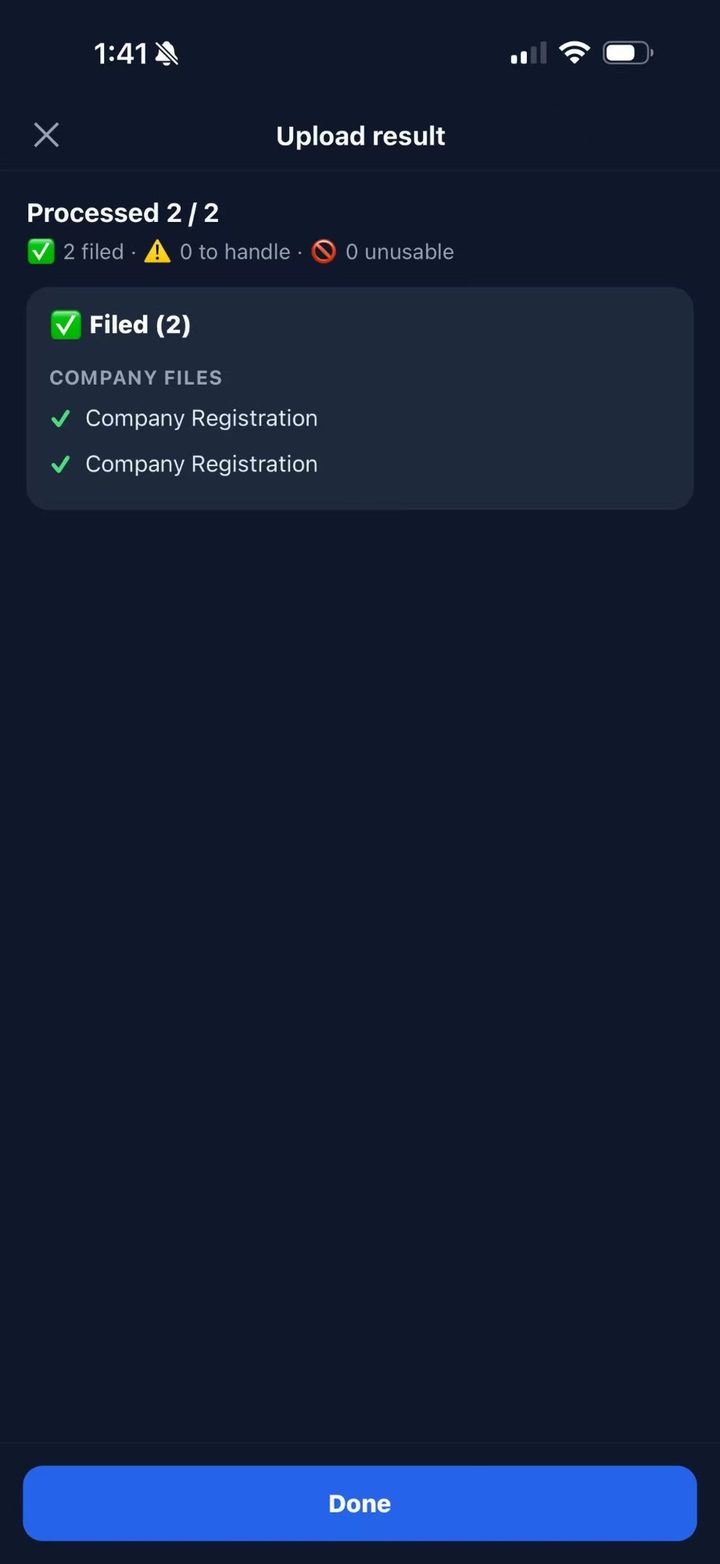
Send a photo or PDF of any document. HAN recognizes it, files it under the right credential and truck, and reads the expiry date.

👤

Human staff, one tap

Tap “Human staff” any time and a FleetScan staff member picks up the same thread. Messages are auto-translated across 8 languages.

How FleetScan works

Four steps, one conversation, zero forms.

1

Sign in with your phone number

Enter your number, get a code, you're in — 30 seconds, no password. HAN looks up your company on FMCSA by that phone.

2

Tell HAN what you need

Tap a quick action or just type: “renew my UCR”, “register a company”, “remind me before my IFTA expires”. Photo any document and HAN files it.

3

Pay the quote in the chat

FleetScan staff send a quote card. Pay with Apple Pay, card or US bank account — nothing is charged before that.

4

Get the done notice and invoice

HAN tells you when the filing is complete and drops the invoice in the same chat. Expiry reminders keep coming automatically.

Who FleetScan is for

If you've ever forgotten a permit and paid for it, you're our customer.

🚹

Owner-Operators

One truck under your own authority. HAN replaces the manila folder and the wall calendar with a chat that reminds you and files for you.

🚚

Small Fleets (2–20 trucks)

Every unit's paperwork in one app, sorted by next expiration. Same chat on a computer in the web version.

🆕

New Carriers

No company yet? Tell HAN. The registration form card opens in the chat, and FleetScan staff set up your LLC / Inc, EIN, USDOT, MC and permit package.

Get FleetScan on the App Store

Free to download, free to chat with HAN. Scan the code with your iPhone, or search “FleetScan” in the App Store.

Download on theApp Store

On a computer? The same chat runs in the web version, with the same phone sign-in: fleetscan-lab.vercel.app/chat

QR code - FleetScan on the App Store

Frequently Asked Questions

How much does FleetScan cost?

The app is free: chatting with HAN, reminders, document filing and carrier lookup cost nothing. You pay only for filings you order — and only after you accept a quote card or the work is done. Every price is shown before you pay.

What can I ask HAN to do?

Expiry reminders for every permit; UCR, IFTA, Form 2290, CTC, state permits, title and plate work; company registration (LLC / Inc), EIN and USDOT application; uploading and filing documents — and anything else HAN hands to a human when needed.

When am I charged?

Never at the moment you order. FleetScan staff review the request and either send a quote card you pay in the chat (Apple Pay, card or US bank account) or charge after the work is finished. The invoice arrives in the chat.

Is my data secure?

Documents are stored in encrypted cloud storage, visible only to your company and FleetScan staff. We never sell or share your data. See our Privacy Policy.

Can I talk to a real person?

Yes — tap “Human staff” in the chat and a FleetScan staff member continues the same thread. Messages are auto-translated, so write in your own language.

Is there an Android or web version?

The web version runs the same chat on any computer with the same phone sign-in (link in the download panel above). Android is on the roadmap.

Your trucking company now has a butler.

Download FleetScan free and say hello to HAN — or talk to our compliance desk about what you need filed today.